Check if a photo or screenshot is AI-generated or manipulated
From dating profiles to news photos to fake screenshots, FakeFind Pro checks images for signs of being synthetically generated or edited.
Check this image now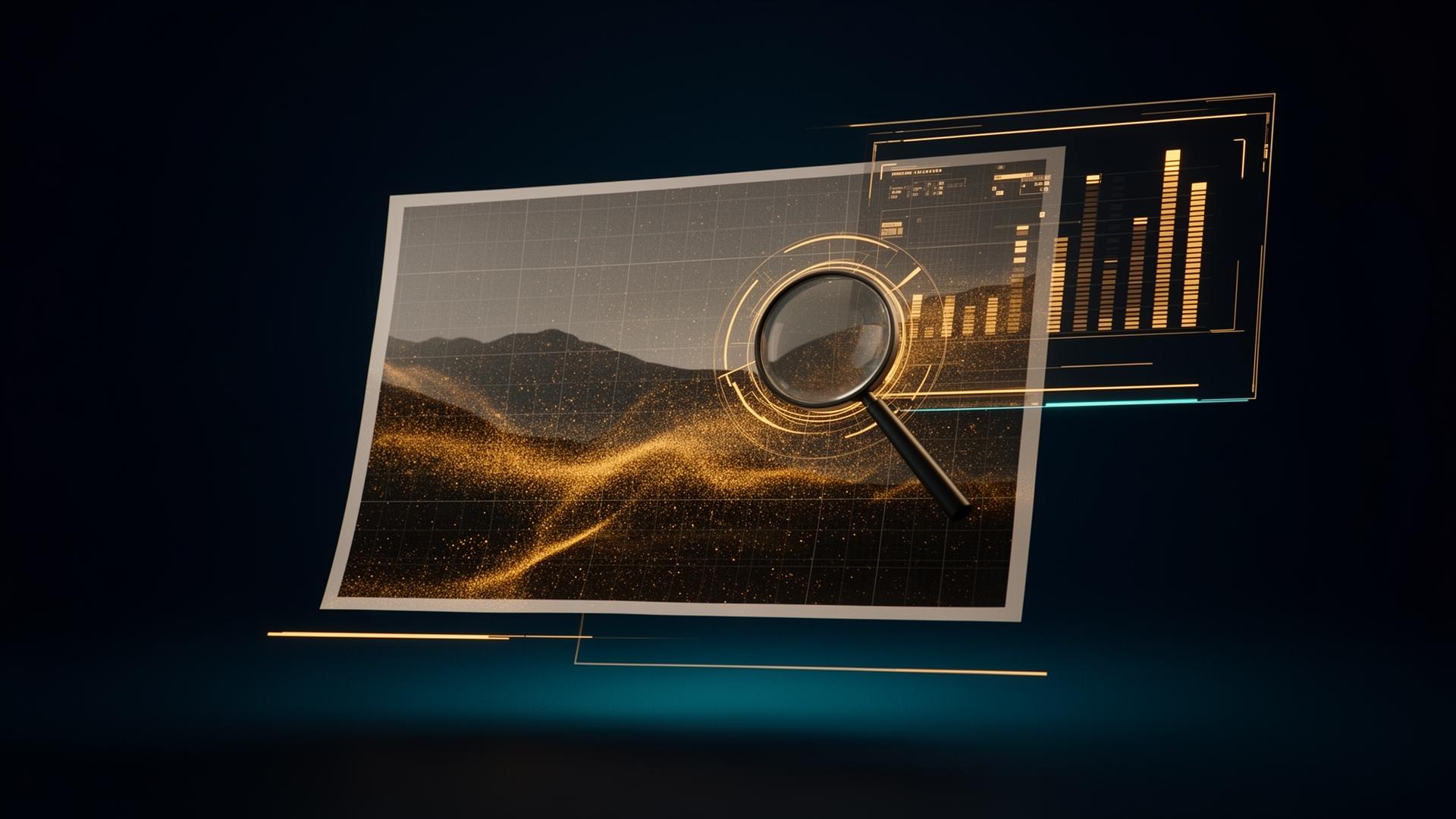
AI image tools and fake screenshots are everywhere. We help you decide what to trust — with a simple Trust Score, not a wall of jargon.
A familiar scenario
A 'too good to be true' marketplace listing. A profile picture that looks weirdly perfect. A viral news image with no source. A screenshot of a chat you can't verify. One upload, one answer.
How FakeFind Pro helps
- Detects common AI image generator fingerprints
- Inspects EXIF data and provenance markers
- Highlights manipulation indicators: cropping, metadata gaps, visible patterns
- Works on JPG, PNG, and WEBP
Common red flags
If you see any of these, slow down and run a check.
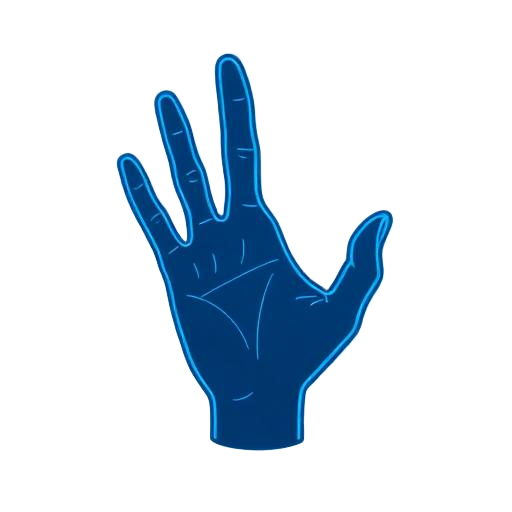 Hands, ears, or teeth look slightly off.
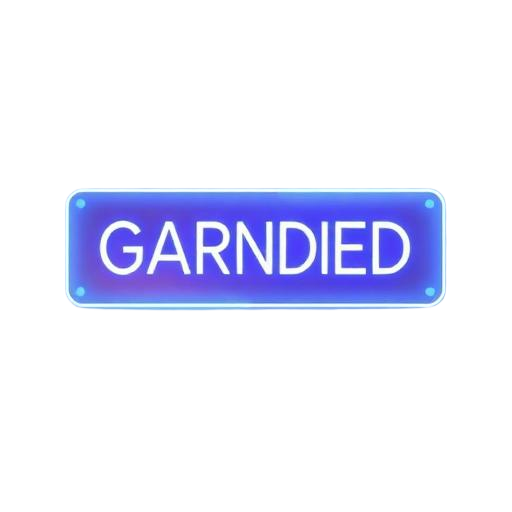 Text in the image is garbled or misspelt.
 The photo has no source, no original poster, no context.
 A screenshot of a chat or post you can't find anywhere else online.
 Profile picture looks 'too perfect' or matches other accounts.
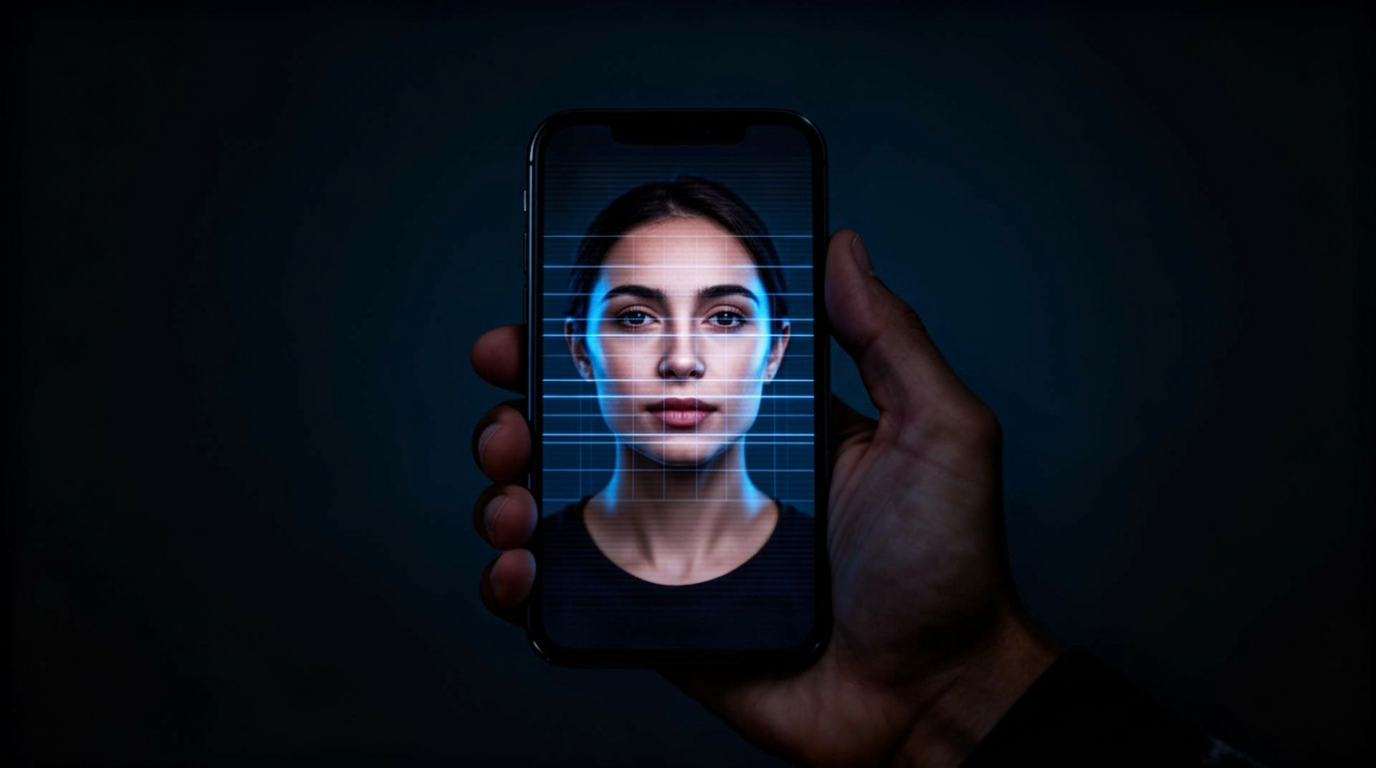
What a result looks like
An example based on a real-world pattern.
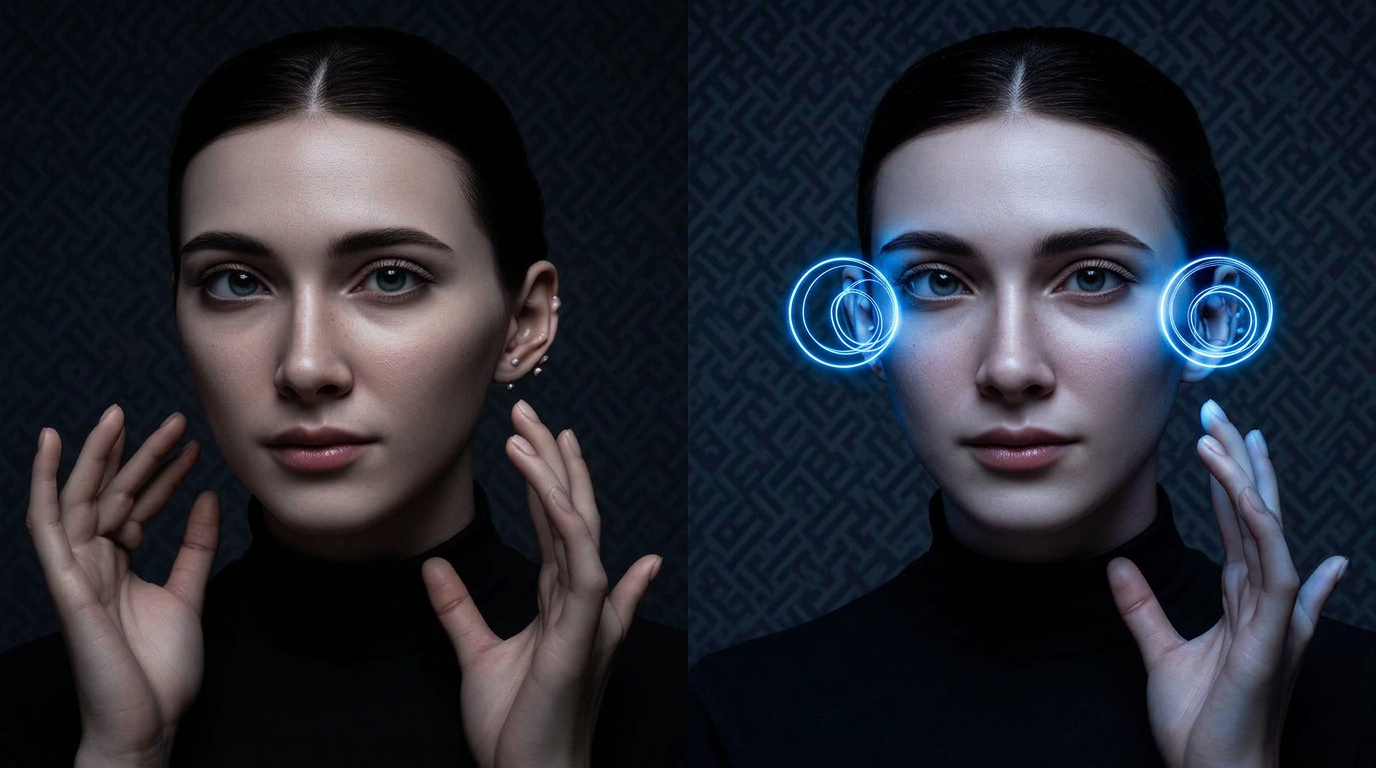
- •Image shows artefacts typical of diffusion-based AI generators.
- •EXIF metadata is missing — common in AI-generated images.
- •Background contains repeated patterns inconsistent with a real camera.
- •Reverse search finds the same face on multiple accounts under different names.
In every report
A simple Trust Score and plain-English advice — no jargon, no model names.
- A simple Trust Score from 0 to 100
- AI likelihood for the image as a whole
- Manipulation indicators: cropping, metadata, visible patterns
- Plain-English bullets explaining what we found
Questions people ask
Which generators can it spot?
It looks for patterns from Midjourney, Stable Diffusion, DALL·E, and other diffusion models.
What about lightly edited photos?
Heavy edits can confuse detectors. We return a confidence band, not a yes/no.
Does it work on screenshots?
Yes, though re-encoding can reduce signal. A direct file gives the best result.
Is my image kept private?
Yes — your uploads are only used to analyse and produce a result.
Ready in 60 seconds.
Run a check now — no account required.
Check this image now